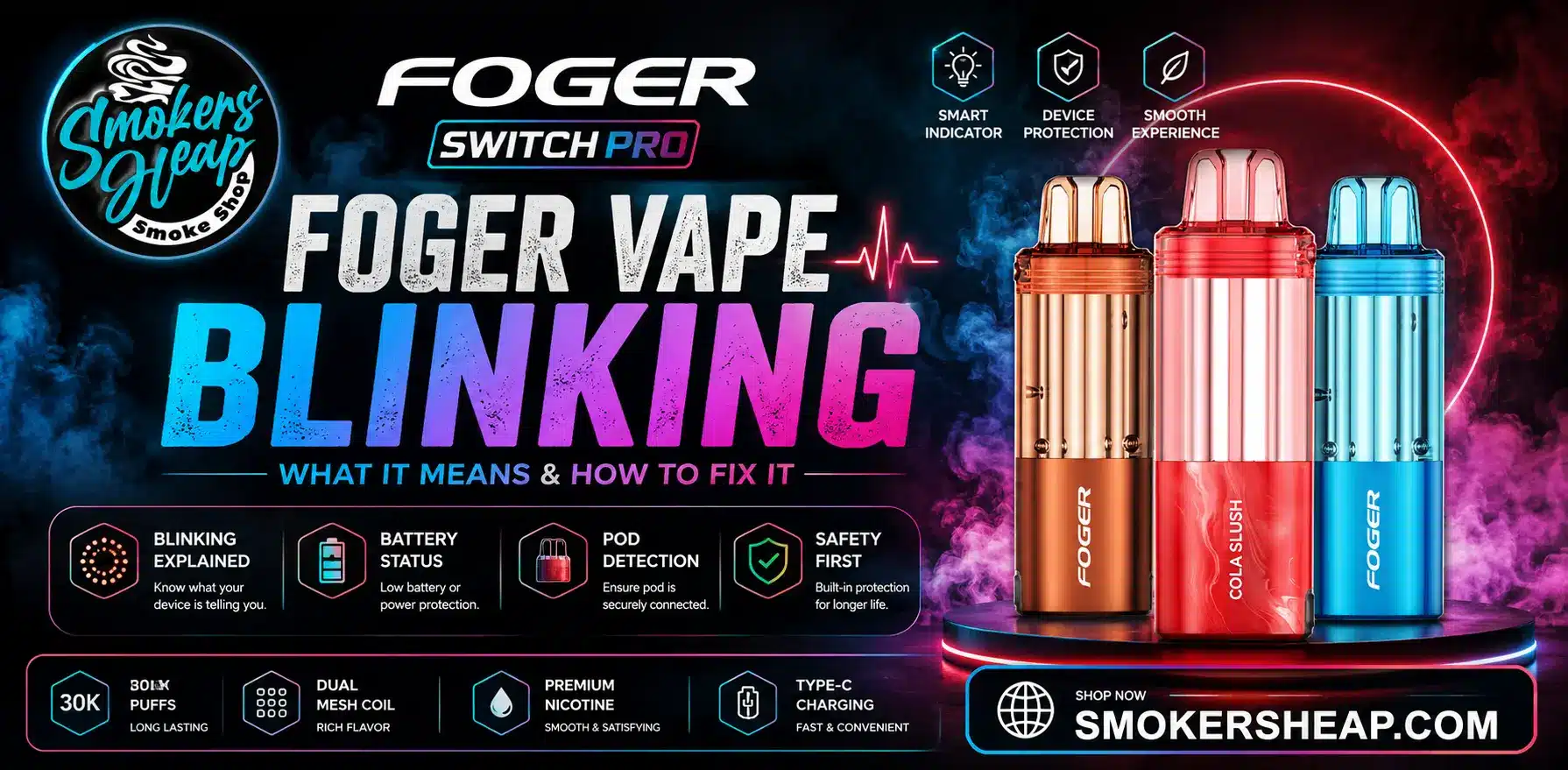
A blinking Foger vape is usually caused by a low battery, dirty contact pins, or an empty pod. Since disposable vapes don’t have buttons, the light is the device’s only way to signal a problem. Most fixes take just a minute or two – clean the contacts, reseat the pod, or give it a full charge.
Why Does My Foger Vape Keep Blinking?
A Foger vape uses its light or screen to communicate with you. Since most disposable vapes have no buttons, blinking is the only way the device can flag a problem. The blink is a warning, not necessarily a fault – once you know what the pattern means, fixing it usually takes a minute or two.
The most common causes behind a blinking Foger vape are:
- A low or dead battery
- Dirty or loose contact points between the pod and the power bank
- An empty or nearly empty pod
- A stuck airflow sensor
- Overheating from heavy, back-to-back use
What Do the Different Blink Patterns Mean?
Foger devices are built around a few main models, mainly the Switch Pro 30K and the Bit 35K. Each uses slightly different signals, but the patterns follow similar logic across the lineup.
| Blink Pattern | Likely Meaning | What to Do |
| Continuous or rapid blinking | Short circuit or poor connection | Clean the contact pins and reseat the pod |
| 3–5 flashes | Low battery warning | Charge the device fully before using it again |
| Steady blinking, then light turns off | Overheating protection | Let the device rest for 10–15 minutes |
| Green blinking light | Normal charging in progress | Leave it plugged in — no action needed unless it lasts over 5 minutes |
| No light at all | Battery completely dead | Charge for at least 15–20 minutes before checking again |
| “188” on screen | Empty pod or pod not read correctly | Clean the pins, reseat the pod, or replace it |
How to Fix a Foger Vape Blinking Green
A green blinking light usually means the device is charging, not broken. On the Switch Pro 30K, the power bank sends charge to the smaller battery inside the pod. This normally lasts one to two minutes after you reattach the pod.
If the green light keeps blinking for more than five minutes, something is blocking the connection. Try these steps:
- Detach the pod from the power bank
- Wipe the gold contact pins on both sides with a dry cloth or tissue
- Remove any e-liquid residue or lint from the pins
- Reattach the pod firmly until you hear or feel a click
- Plug the charger back in and check if the blinking stops within a minute
How to Fix the 188 Error Code
The number 188 shows up on some Foger models when the pod is empty or the device can’t read it properly. This is one of the most common issues users report. To clear a 188 error:
- Remove the pod from the power bank
- Check the e-liquid level through the clear window on the pod
- If the pod is empty, replace it with a new one
- If the pod still has e-liquid, clean the metal contacts and reattach it
- Let the dock sit unplugged for about 30 seconds before reconnecting, then plug it back into a USB-C charger
If the code returns even with a new, full pod, the problem is likely inside the power bank itself rather than the pod.
How to Fix Rapid or Repeated Blinking
Fast, repeated blinking usually points to a short circuit or a connection that isn’t making full contact. Steps to try:
- Detach the pod and inspect both surfaces for e-liquid buildup or moisture
- Dry the contacts fully before reattaching
- Charge with a standard 5V USB-C charger, not a high-wattage fast charger
- If the blinking continues after cleaning and a fresh charge, the device may need to be replaced
When Should You Stop Using a Blinking Vape?
Most blinking issues are minor and fixable. But a few signs mean you should stop using the device right away and treat it as a safety issue, not just a glitch:
- The device fires on its own without you inhaling
- It feels unusually hot, looks swollen, or the casing is cracked
- There’s visible leaking or a burnt smell
- The blinking started right after a drop or contact with water
- The blinking continues even after cleaning, charging, and replacing the pod
These signs point to real hazards, not just inconvenience. Foger devices run on small lithium batteries, and like any lithium battery, they can overheat or in rare cases catch fire if damaged, punctured, or charged incorrectly. A device that fires on its own can also cause burns if it’s in a pocket or bag when it happens.
If any of these signs appear, separate the pod from the power bank, let the device sit somewhere safe, and do not attempt to charge or repair it further. Worn-out batteries should never go in household trash, fire, or water – take them to a battery recycling point or an e-waste facility instead.
Simple Habits That Prevent Blinking Issues
A few small habits reduce the chances of running into blinking problems in the first place:
- Store the device upright, not lying on its side
- Keep it away from moisture, pools, and rain
- Clean the magnetic contact pins about once a week
- Avoid chain vaping – pause a few seconds between puffs
- Charge with a standard 5V charger, not a fast-charge brick
- Keep the device out of direct heat, such as a hot car
Nicotine and Safety Rules
Foger disposable vapes contain nicotine, which is addictive. In the United States, federal law sets the legal age to buy vaping products at 21, and sellers must check identification before a sale. The FDA regulates how e-cigarette products are made, labeled, and sold under its tobacco product rules.
If a device overheats, leaks heavily, or keeps firing on its own, stop using it and dispose of it according to local e-waste rules rather than attempting a repair.
Conclusion
Most blinking problems come down to four things: a low battery, dirty contacts, an empty pod, or a device that needs a short rest. Working through these in order almost always solves the issue within minutes.
If cleaning, charging, and a fresh pod don’t stop the blinking, the device itself is likely at fault. Replacing the pod or the power bank is the simplest next step. Keeping the device dry, clean, and properly charged will keep blinking issues from coming back.
FAQs
Why does my Foger vape keep blinking?
It’s usually a low battery, dirty contact pins, an empty pod, or overheating protection kicking in — each has a specific fix.
What does a green blinking light mean on a Foger vape?
It usually means the device is charging normally. If it blinks green for more than 5 minutes, clean the contact pins and reseat the pod.
How do I fix the 188 error code on a Foger vape?
Check if the pod is empty and replace it if needed, or clean the metal contacts and reattach the pod if it still has e-liquid.
What causes rapid or repeated blinking on a Foger vape?
This usually points to a short circuit or a poor connection — clean and dry the contacts, then try charging with a standard 5V charger.
When should I stop using a blinking Foger vape?
Stop immediately if it fires on its own, feels unusually hot, looks swollen, smells burnt, or keeps blinking after cleaning and charging.
How can I prevent my Foger vape from blinking in the future?
Store it upright, keep it away from moisture, clean the contact pins weekly, and always charge with a standard 5V charger.
Is it safe to keep using a Foger vape that keeps blinking?
Minor blinking (low battery, charging, empty pod) is safe to troubleshoot. But swelling, burning smell, or self-firing means you should stop use immediately.
Where should I dispose of a damaged Foger vape battery?
Never throw it in household trash, fire, or water – take it to a battery recycling point or an e-waste facility.